
Activation
Add a new SIM card
| ICCID | Exp Date | Plan | Auto Renew |
|---|
Order Summary

Use a strong password. (1) At least 8 letters long. (2) Include both lower and upper cases. (3) Include at least 1 number. (4) Include at least one special symbols.
Changing username and password can cause problems.
User can use it by appending Api Key to our API's url.
Our API URL + "?api_key=" + YOUR_API_KEY
You can batch activate and batch edit your SIM cards. Please use the template here .
To give you the right instructions, please tell us: Do you have one of these hotspots?
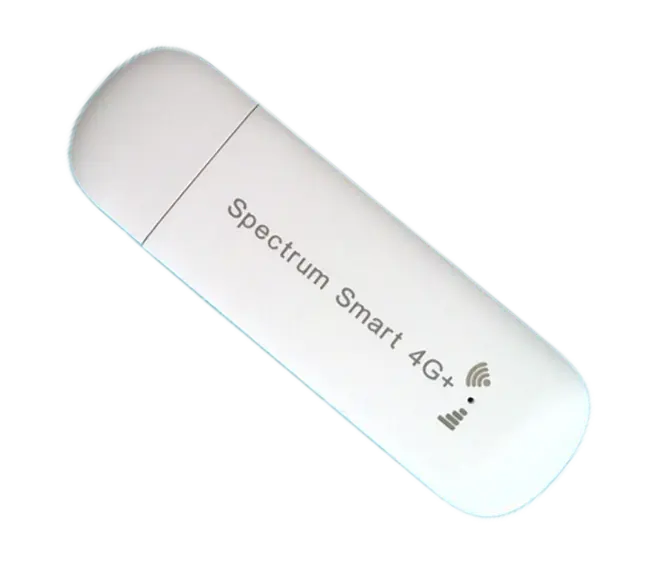
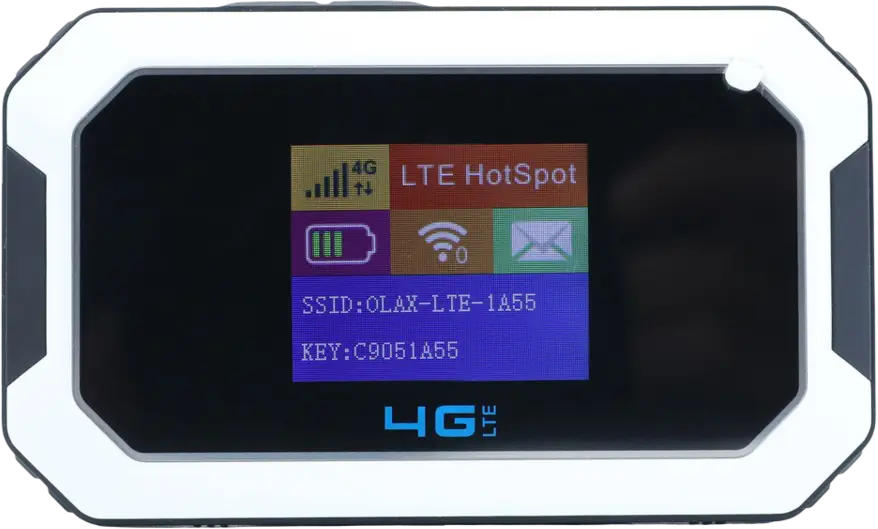
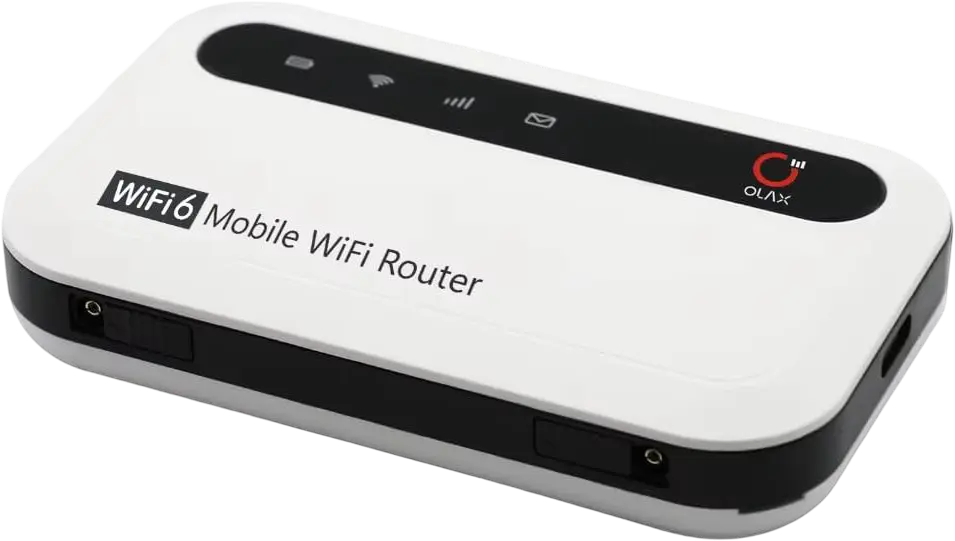
The following devices have been pre-configured with the pre-installed SIM card. You do not need to change anything. Activate the pre-installed SIM card and you're ready to go. Click your model below to view how to use it.
Click here to see incompatible device list. If your device is on this list, your device is not compatible with our SIM card. Do not activate. Contact your device seller and ask which SIM card do they recommend.
Refer to your device's user manual to find how to change APN settings. This is required for a cellular connection.
You can view step-by-step APN guides for commonly used devices on our instruction page. We have instructions for Reolink cameras, Netgear hotspots, Cudy routers and more.
If you can't change your device's APN, email a photo of your device to [email protected] and we will help you decide if you can use our SIM cards.
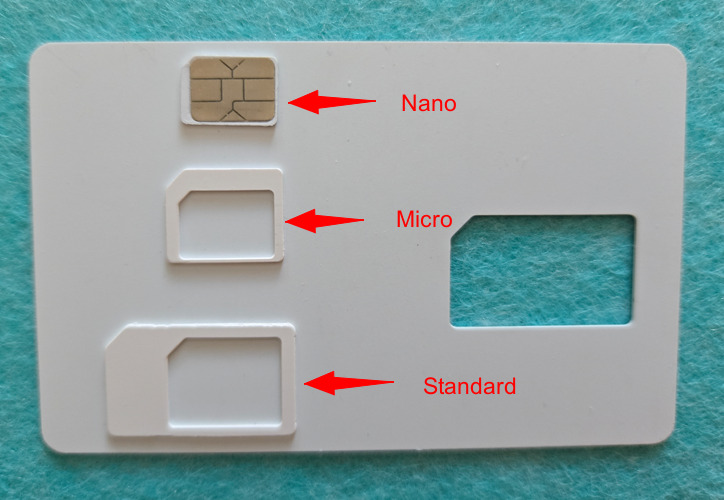
You have a 3-in-1 SIM card. You can punch out the SIM to get the standard, micro, or nano size—whichever fits your device.
Note: Still having issues? You can try our $10 plan, which is fully refundable. Please note that other plans are only partially refundable because of non-refundable third-party fees.
Add a new SIM card
Refill existing SIM card
Change subscription; check data usage
Setup cameras, hotspots, etc.